
Correct Finger Placement
Kids learn proper typing technique with visual keyboard guidance.

Help your child learn to type with levels, word games, typing races, and interactive challenges that build accuracy, speed, and confidence.
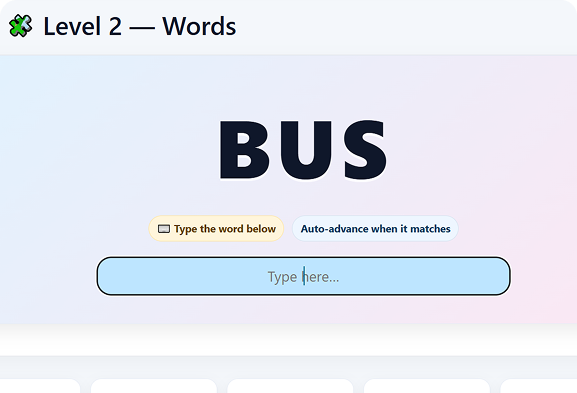
Kids learn proper typing technique with visual keyboard guidance.

Real-time accuracy, speed, and error updates keep kids improving.

Typing Race, Falling Words, and Quizzes make learning exciting.

Every session saves progress automatically.
Perfect for beginners learning A–Z, vowels, and basic hand placement.
Build typing speed with short word practice and instant feedback.
Beat the timer by typing the correct letter fast.
Beat the timer by typing the correct letter as quickly as you can.
Race the bot by typing words quickly and accurately.
Type falling words before they hit the ground.
Unlike apps that use on-screen typing, Edumento Typing trains kids using a real keyboard so they build long-term motor memory.
Edumento Typing uses game mechanics to improve performance:


Edumento Typing makes proper technique simple, natural, and enjoyable.
Start Typing Today →No. Edumento Typing is built for complete beginners.
Yes, Edumento Typing teaches real keyboard skills and proper finger positioning.
Absolutely. It’s ad-free, simple, and designed specifically for young learners.
Yes. Advanced challenges (Race & Falling Words) are perfect for ages 9–12.
Give them a fun, interactive way to build real typing skills, the Edumento way.